
Imagine a world where inter-galactic space travel was not only possible, but common. In this world, people are used to the idea of space travel for the average traveler, but are a bit frustrated at the lack of decent websites or apps for booking this travel. The CEO of Shuddle, a space travel agency, wants to help. To do that, he needs an informational website, where a user can find the latest news and happenings about space travel, a website where they can browse and book travel to and from multiple destinations in the universe, and a web app where they can view lines, routes, and times for commuter lines. The CEO is somewhat tech-savvy, but he's not an expert on UX design so he asks his design team manager to hire someone to help.

Company: Shuddle
Project Summary
I designed, built and organized the Cygnus Design System and created 3 products from that design system in Figma.
Responsibilities
- Design System Design and Documentation
- UI Design
Timeline
3 weeks
Results
- A design system
- An informational website
- A booking website
- A travel app
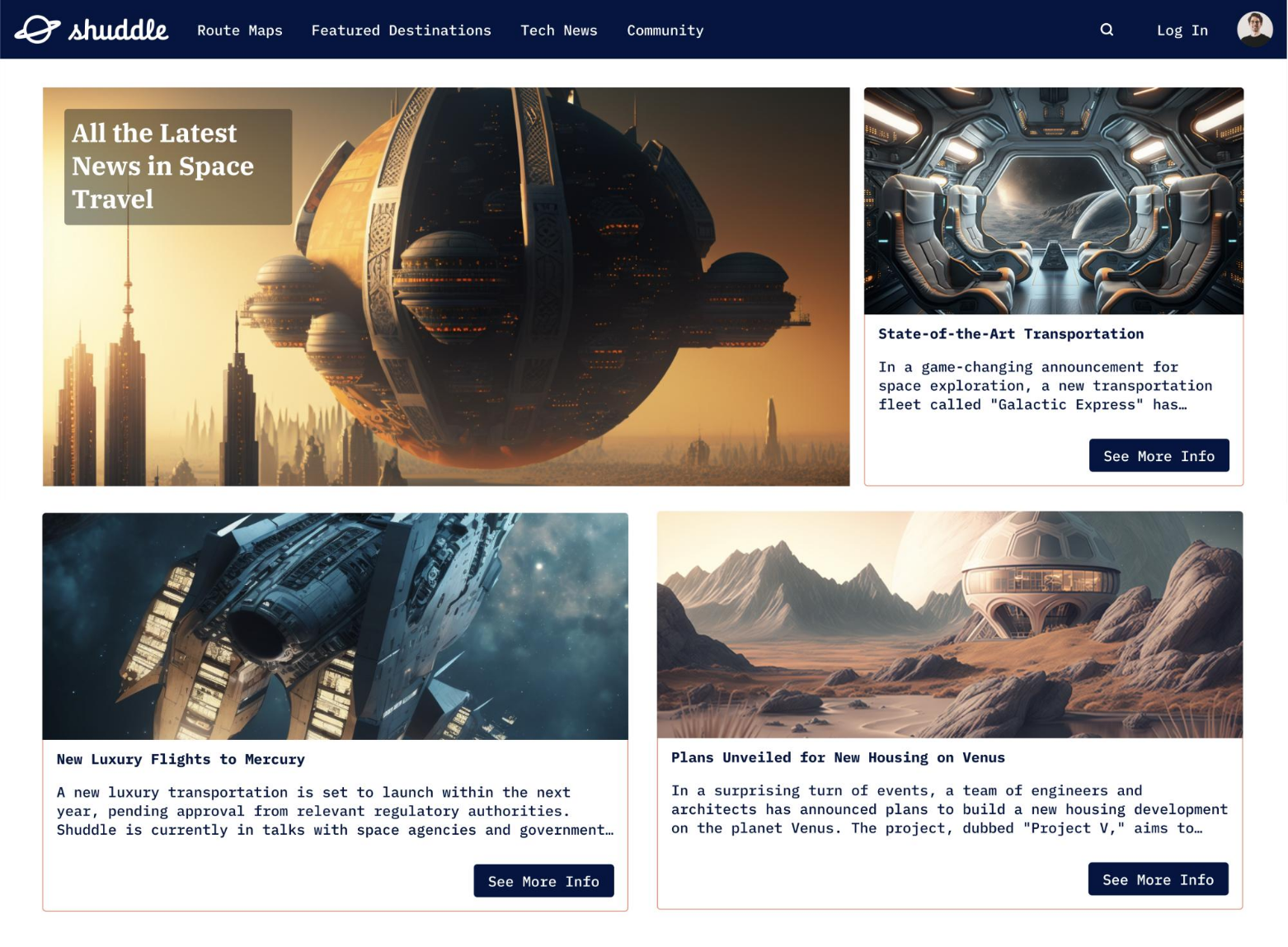
The Shuddle homepage
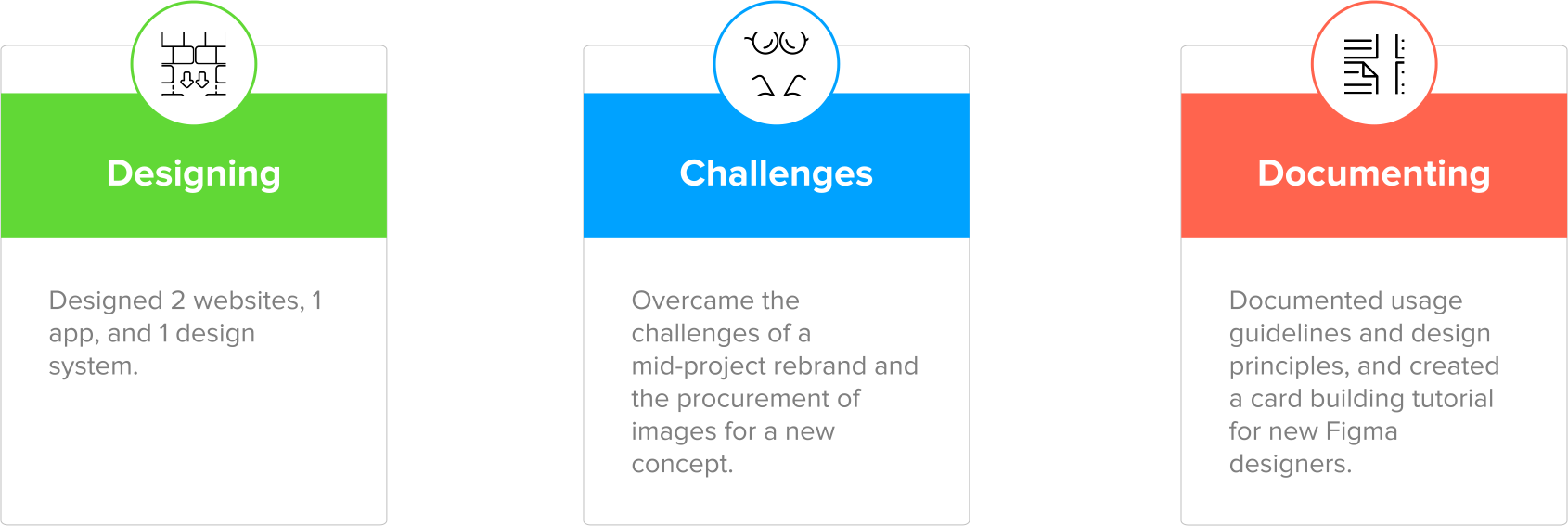
I utilized my design system and UI expertise to create this project and overcome challenges of a mid-project rebrand.
2 websites and 1 mobile app interface designed:
- ipts.org: An informational website where a user can find the latest news and happenings with the IPTS
- IPTS Travel: A website where a user can browse and book travel to and from multiple destinations
- IPTS Rail: A web app where a user can view lines, routes, and times for the commuter lines
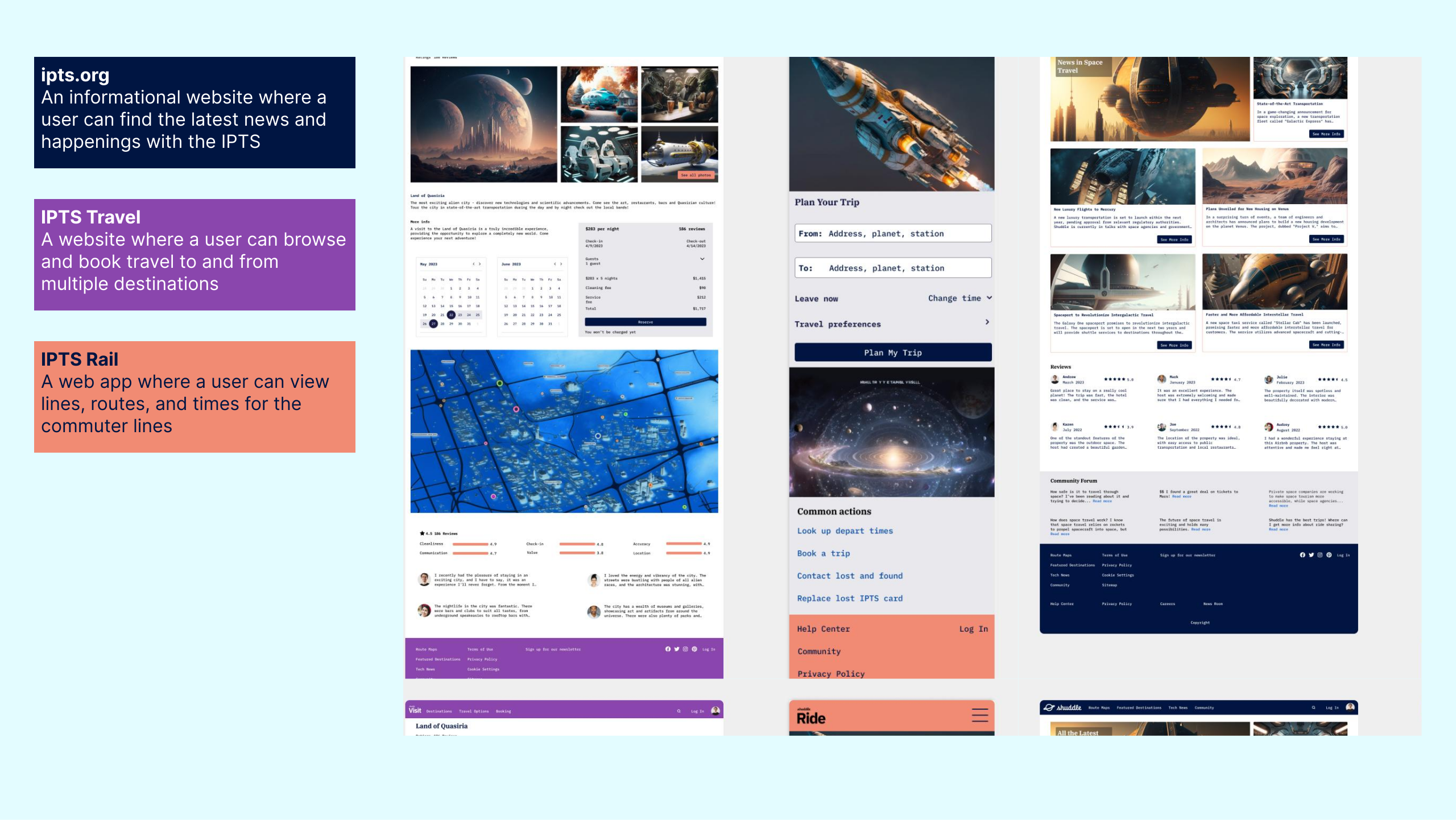
3 IPTS products
I created a design system for the products in Figma that was small, but enough for an MVP.
In order to make the project a bit easier, the task was to create a design system for the products in Figma. It was small - only 8 components, 6 colors and 1 font - but it was enough to create an MVP. I could then make the products easier and faster using the design system.
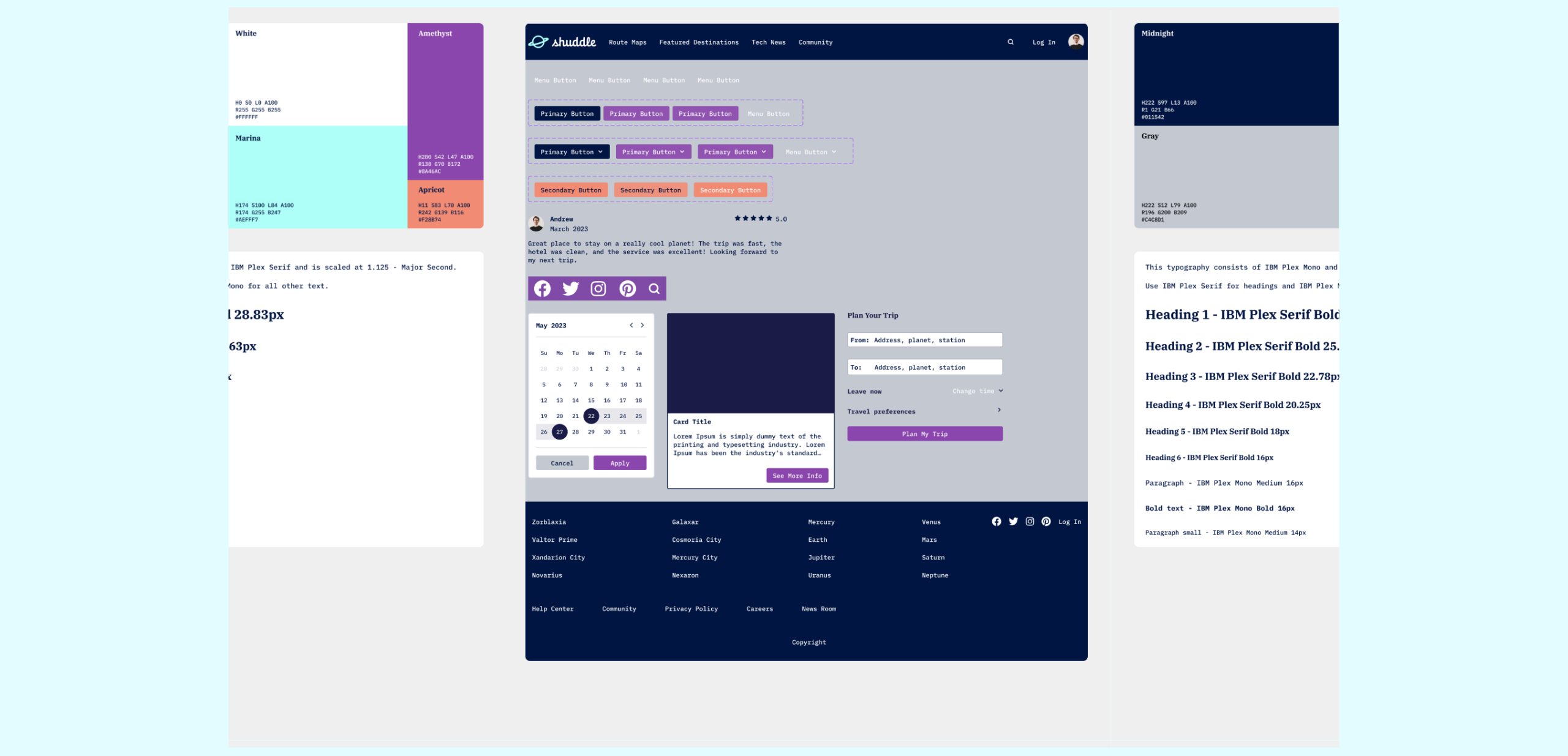
The design system
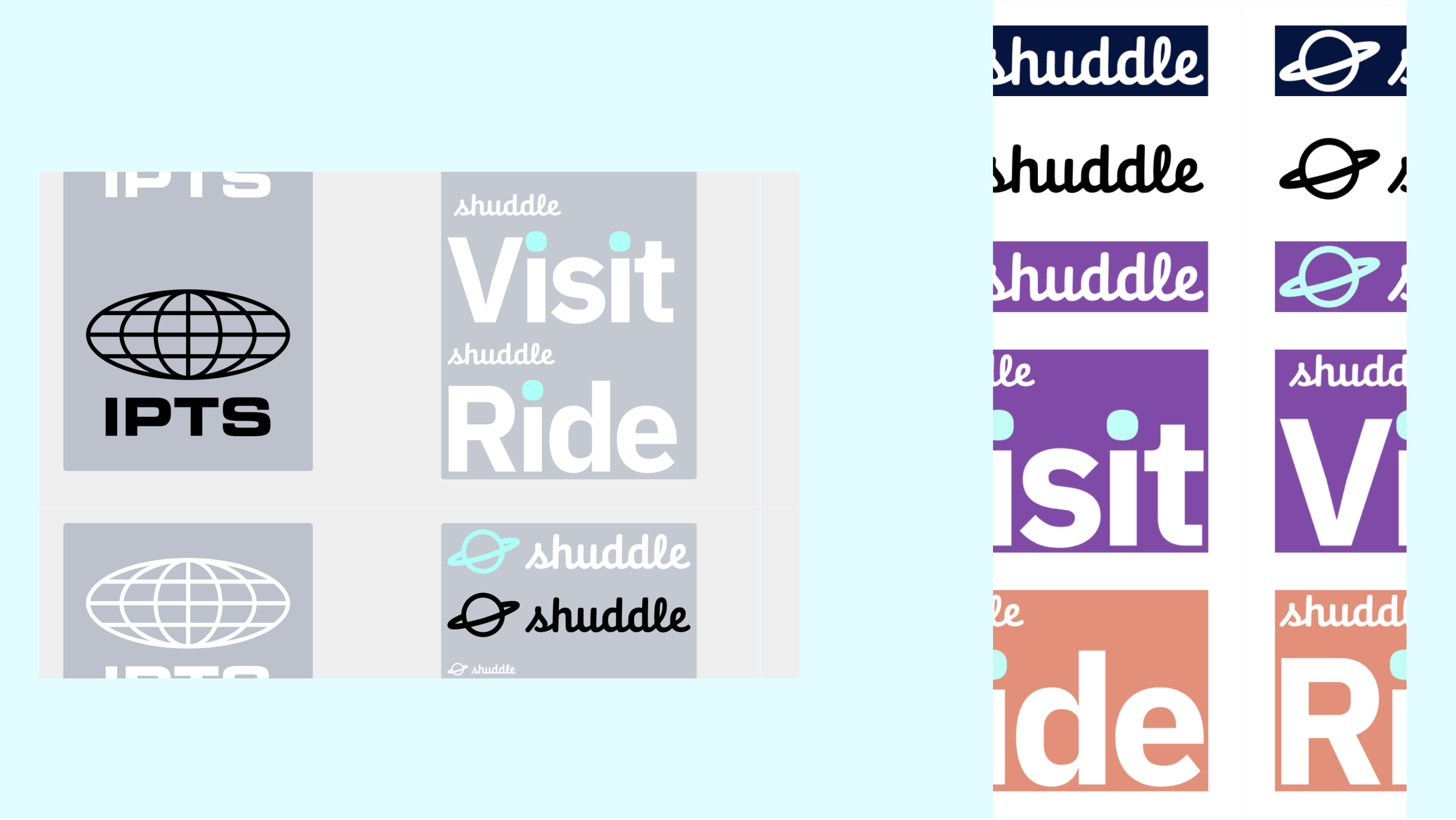
I had to rebrand the products in the middle of the project.
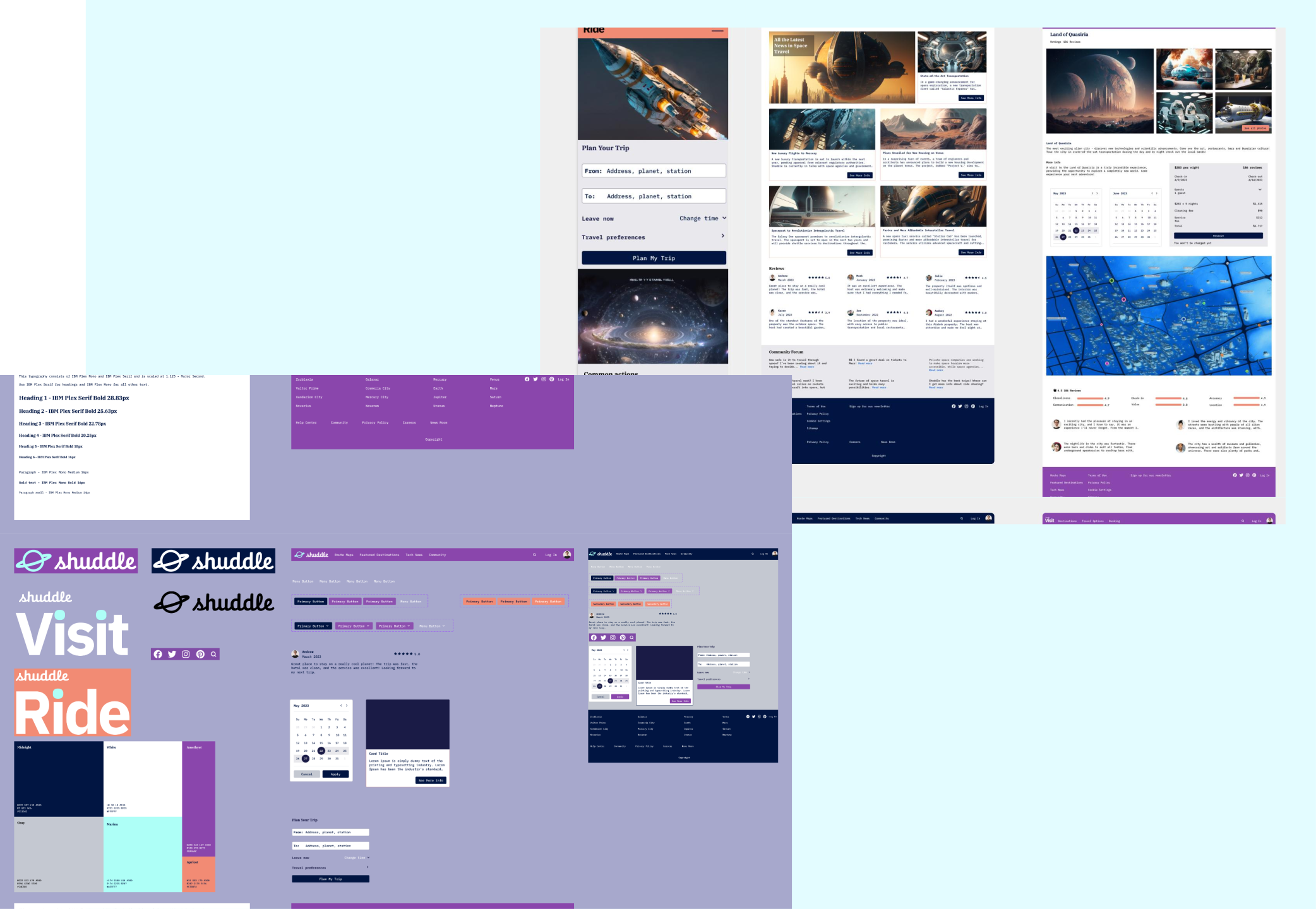
One of the challenges I faced was that, part-way through the project, leadership at IPTS had hired a prestigious branding firm to do a rebrand of the entire organization, which affected the three products and the design system. I had to switch gears and redesign the products and update the design system and the documentation site to reflect those changes.
The rebrand
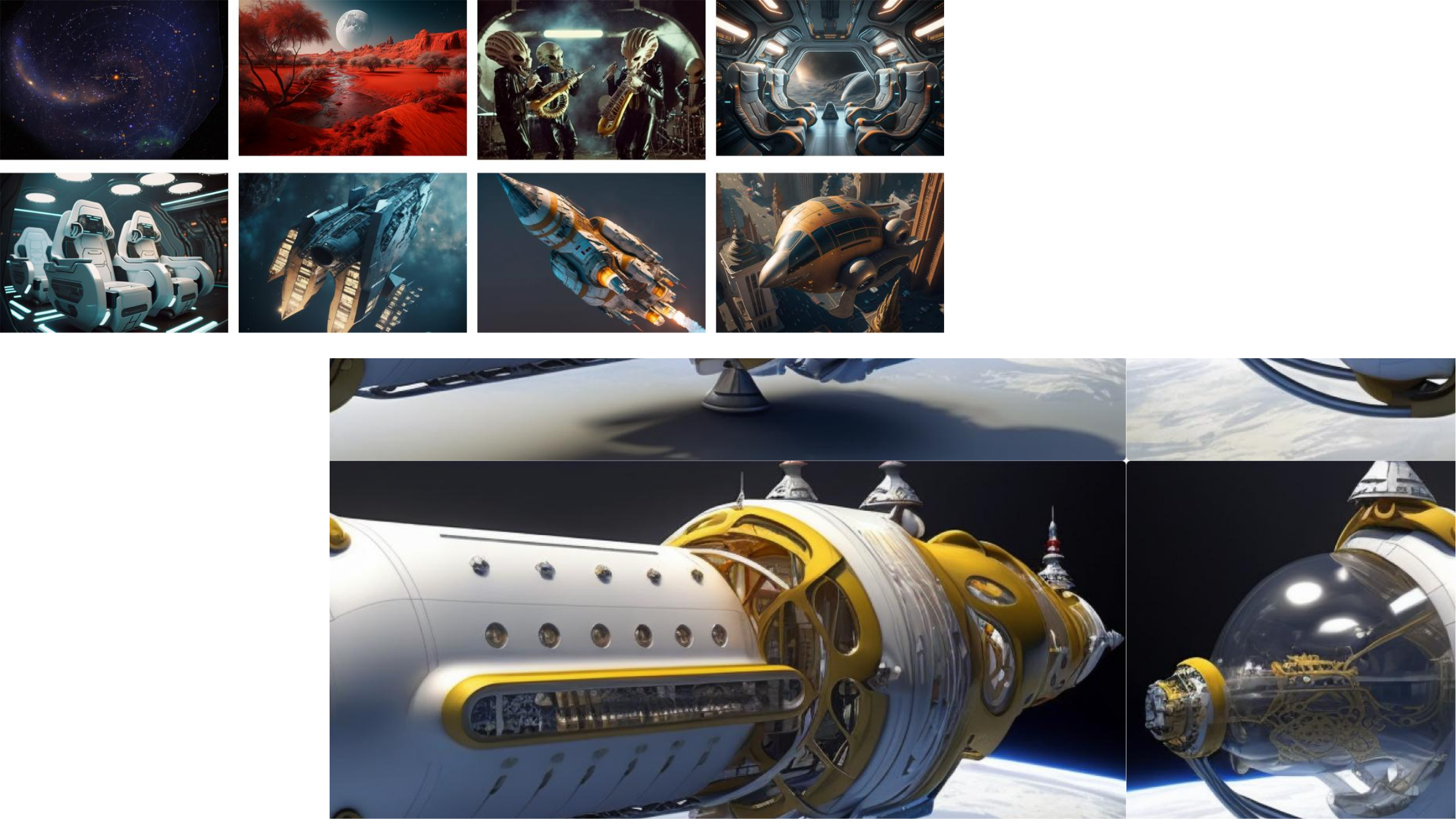
I used Artificial Intelligence (MidJourney) to create images for the products.
Another challenge was finding images for the products. Most of us lack accessible ways to explore the vast expanse of the universe, unless you're an astronaut or you can afford to take a private rocket trip, so I used Artificial Intelligence to create images for the products. To overcome the hurdle of not having stock images of space travel, MidJourney AI proved invaluable. This AI platform offers a solution where users can simply join their Discord channel and learn to craft effective prompts to describe their image requirements. The AI then generates multiple versions of the desired imagery. Leveraging AI for image creation alleviates the need for a design team to generate images from scratch, enabling them to design more efficiently. The result was beautiful, realistic-looking images of planets, friendly aliens, spaceships, and images of places to stay.
Using AI to create images
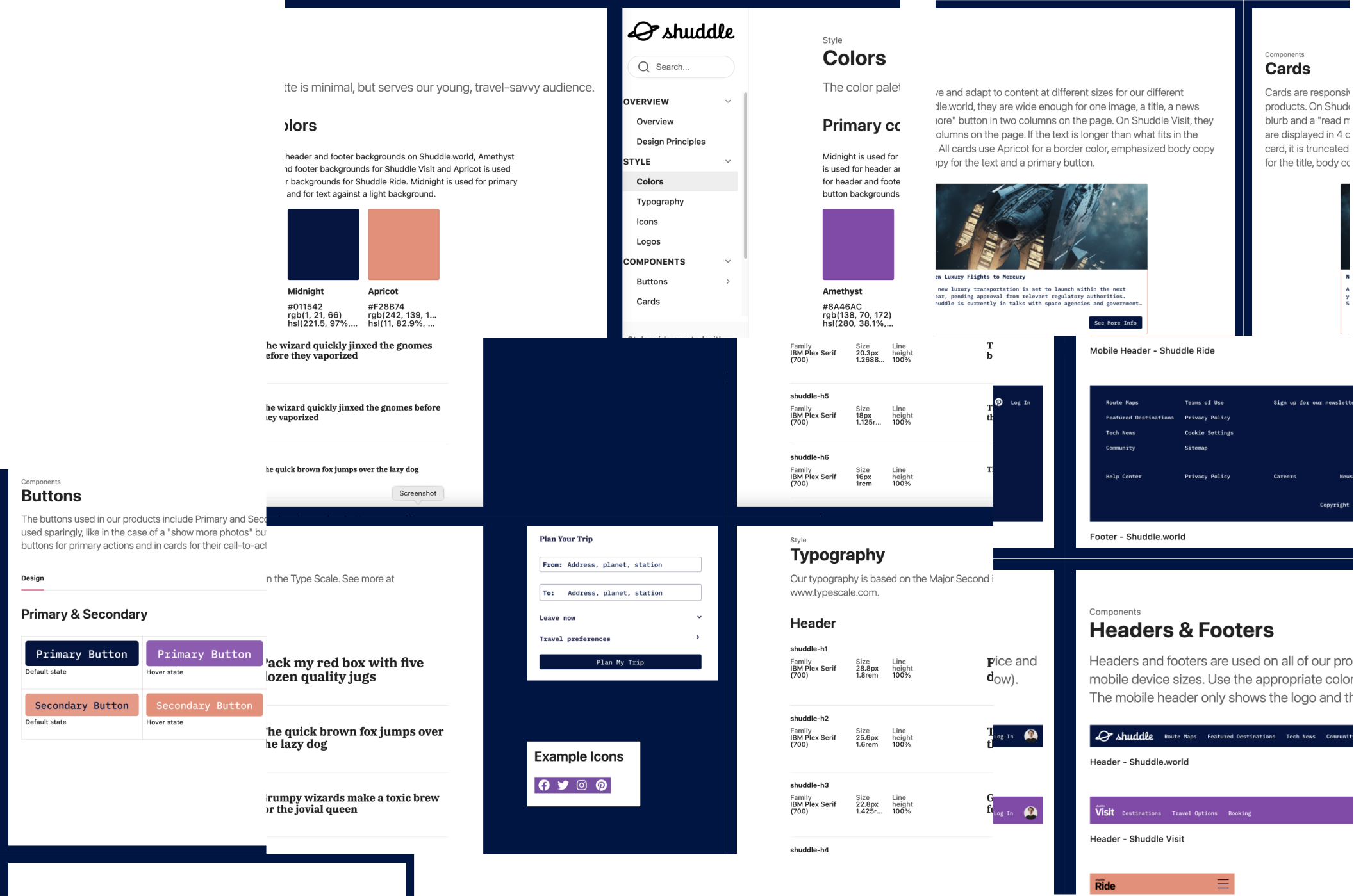
I documented the styles and components in ZeroHeight.
One of the requirements was also to document the components & styles in ZeroHeight. I like ZeroHeight because it’s an easy tool to use to organize everything in an easy-to-read format. If this were a real project, teams would be able to draw from this and have easy access the styles, components, usage guidelines, prototyped component states, accessibility, examples, and more.
The documentation
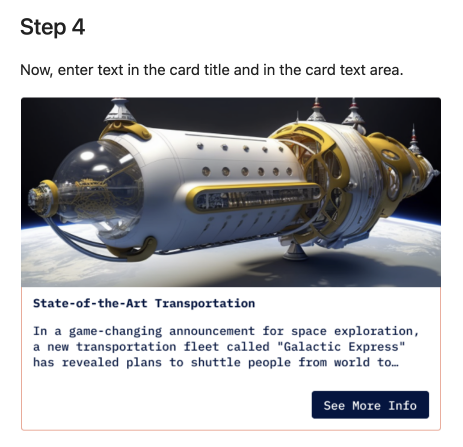
I created a card-building tutorial as an added value in the design system to new Figma designers.
Some design systems add helpful articles and tutorials to their content, so I decided to create a card building tutorial as part of the documentation. This shows how to use the card component in Figma. I created instructions with example screenshots of the steps and included it on the Cards page in ZeroHeight. New designers who may need a hand can use tutorials like these to help them build design systems and interfaces faster.
A card-building tutorial
Results
- Consistent designs
- Scalable
- More accessible
Product and design system redesign