
Design System Examples
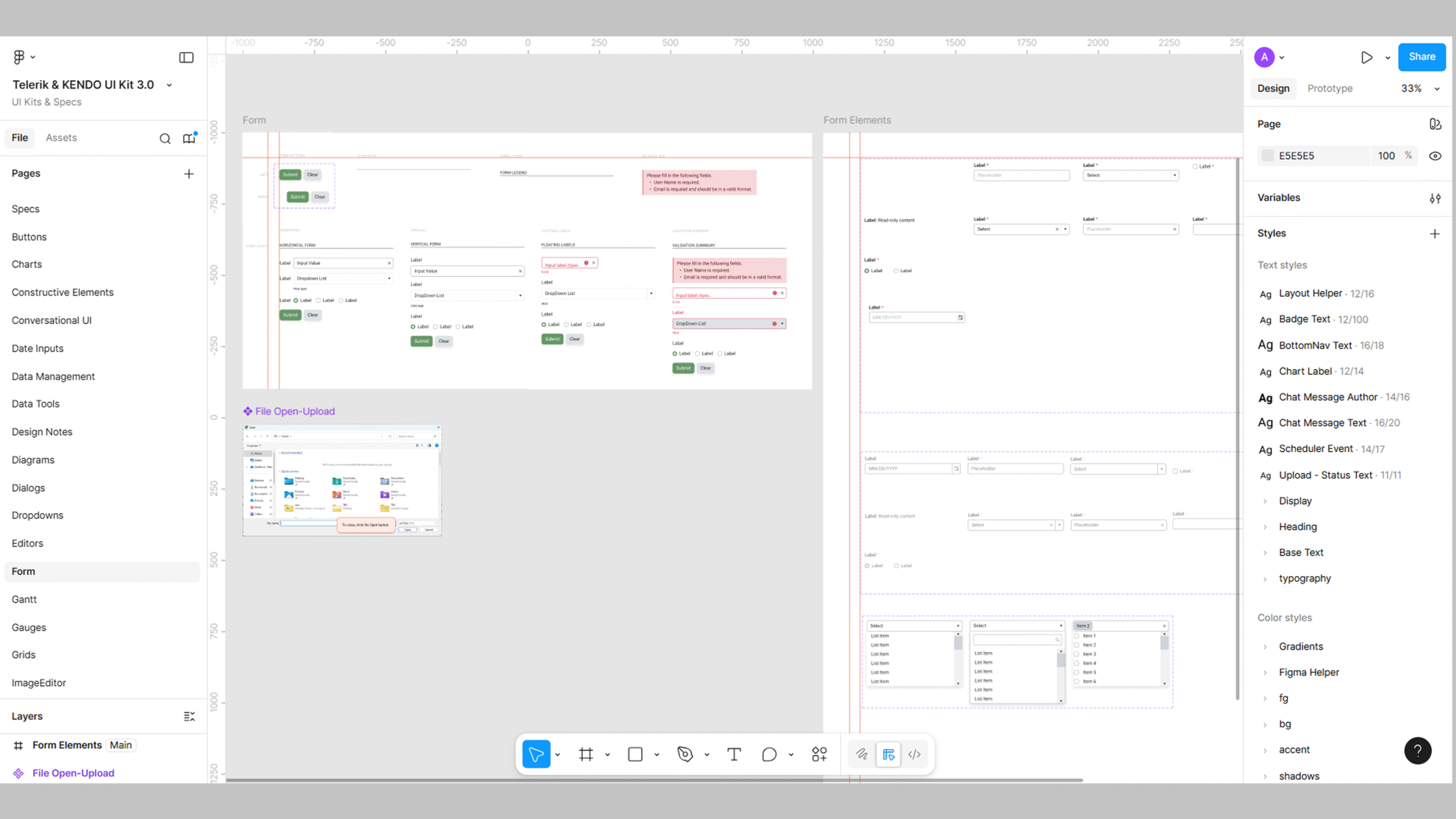
Leveraging libraries available on the web can be a powerful strategy when starting a design system. A design system is a collection of reusable components, guidelines, and assets that helps ensure consistency and efficiency in design and development across a product or organization. It’s intended to streamline the process and enhance the overall user experience. You don’t have to start from ground zero; leverage what’s already out there. There are many open-source libraries and frameworks available on the web that can save you time and effort, while also providing battle-tested solutions to common design and development challenges.
Here are some tips for leveraging these libraries effectively:
- Research and Evaluation: Start by researching the available libraries and frameworks that align with your project’s goals and requirements. Give them the once-over by considering their features, how much love they get from the community, the clarity of their documentation, and whether they vibe well with your current tech setup.
- Customization: While using pre-existing libraries can save time, it’s important to remember that your design system should still reflect your brand’s unique identity. Look for libraries that allow easy customization to match your specific design guidelines.
- Consistency: Choose libraries that promote consistency in your design system. Consistency is a key principle of any design system, and using libraries that adhere to your established design patterns will reinforce this principle.
- Accessibility: Ensure that the libraries you choose are accessible and follow web accessibility standards (WCAG).
- Flexibility: A design system should be adaptable to different platforms and screen sizes. Libraries that are responsive and support multiple devices will help you achieve this flexibility.
- Community Support and Updates: Consider the community around the library and its maintenance activity. Active communities mean ongoing support and updates, which is essential for the long-term success of your design system.
- Performance: Optimize for performance. Libraries that are well-coded and lightweight will contribute to a faster and smoother user experience.
- License: Check the licenses of the libraries you plan to use. Ensure that they align with your project’s licensing requirements and that they can be used in commercial products if needed.
- Documentation and Support: Ensure the libraries have clear and comprehensive documentation. Good documentation will make it easier for your team to implement and maintain the components.
- Testing: Test the libraries thoroughly in your development environment before integrating them into your design system. Identify any potential conflicts or issues early on.
Remember that while using libraries can be beneficial, it’s essential to strike a balance between leveraging existing solutions and building custom components that suit your specific needs. The goal is to create a design system that empowers your team to work more efficiently and consistently while delivering a delightful user experience.
✢✢✢✢✢✢✢✢✢✢✢✢✢✢✢✢✢✢✢✢✢✢✢✢✢✢✢✢✢✢
Comment below to share your thoughts. 🙂
Learn more about design systems
I’m a designer with 20 years of experience in web, eLearning and visual design. Follow me: